Final Url and Removing Price on Search Form

Hello everyone
I'm a new Bookly user and I have two issues.
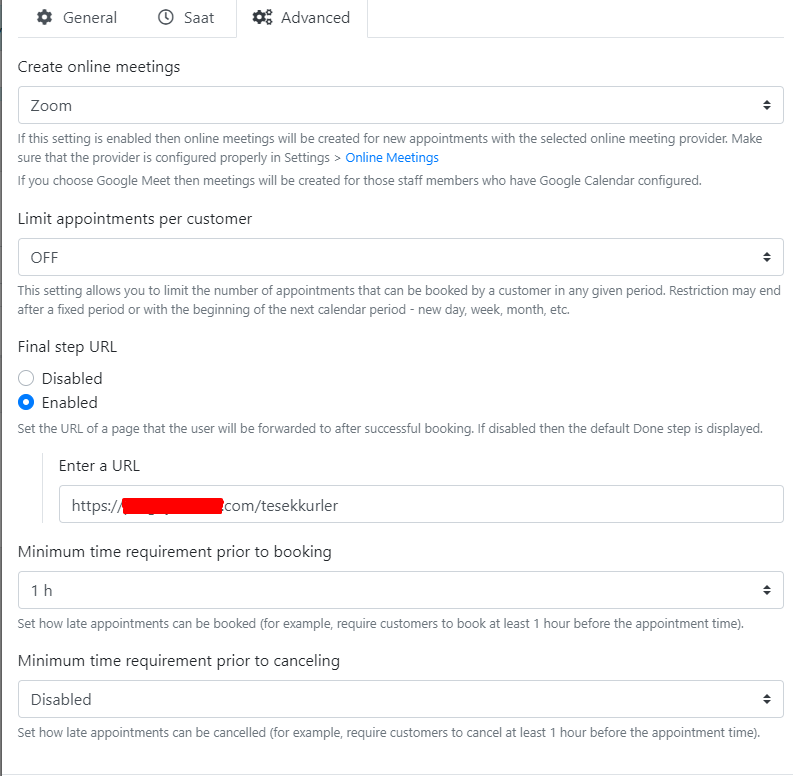
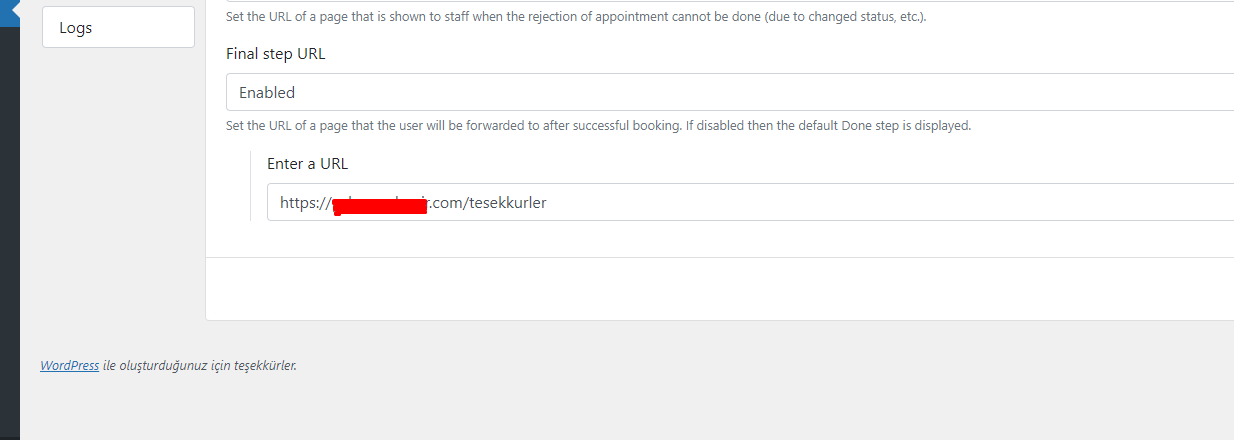
1. Final Url
I set final URL from bookly settings and Services settings but it doesn't redirect the user after completing booking. It works on Step by Step Form but doesn't work on Search Form. Is there something I'm doing wrong or this feature is not available for Search Form?
2. Removing Price
I tried everything that's written on forums/help pages but I still coulnd't get rid of this Currency and Price on search form.
Is there a way to remove this?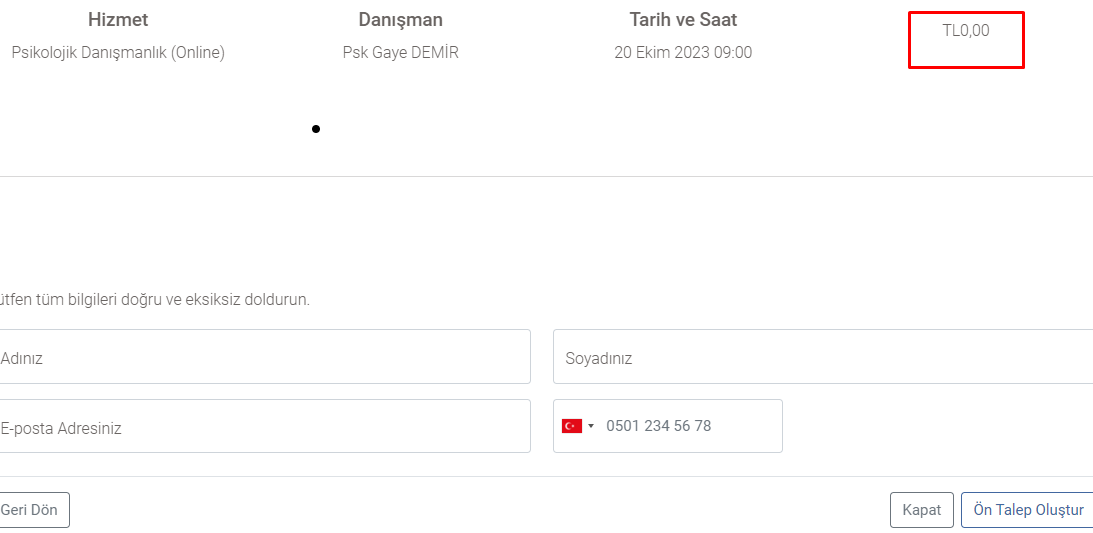
Thank you all whom will help in advance <3
1
Comments
Hello Emrullah,
1. Currently, only global setting (Settings > URL Settings > Final step URL) will work in the modern booking forms. We will check the reported behaviour and keep you updated.
2. Currently, you can disable the price display on the card (see Search form > Calendar tab > Card content), but the price is still displayed on the next booking steps. We've informed the Dev team about this issue – it will be fixed in one of the upcoming releases.
Please sign in to leave a comment.