Random numbers in booking form

Hey,
I have the classic step-by-step form, but after the last update to the latest version I got these numbers in the booking form. I can't click on them or select them (for example to copy them). I have no text in the form settings (second screen). Is there any way to solve this? I am using a classic plugin without any addons.
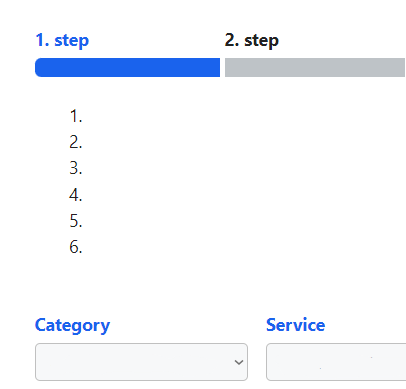
Second-screen: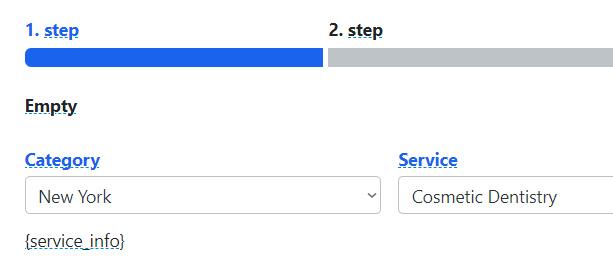
0
Comments
I figured out that this is caused by a caching plugin (doesn't matter which one, it does it for all of them). If I turn off caching on the page where the booking form is, the numbers disappear, but the problem is that if I start making a booking, don't finish it, refresh the page and start a new one, the previous booking is saved and then there are two at once without the 1st one going to cancel. Is there any solution for this? It used to work fine...
Hello,
Please create a support ticket here https://support.booking-wp-plugin.com/hc/en-us/requests/new and we'll look into this matter.
Please sign in to leave a comment.