The calender doesn't show some appointments

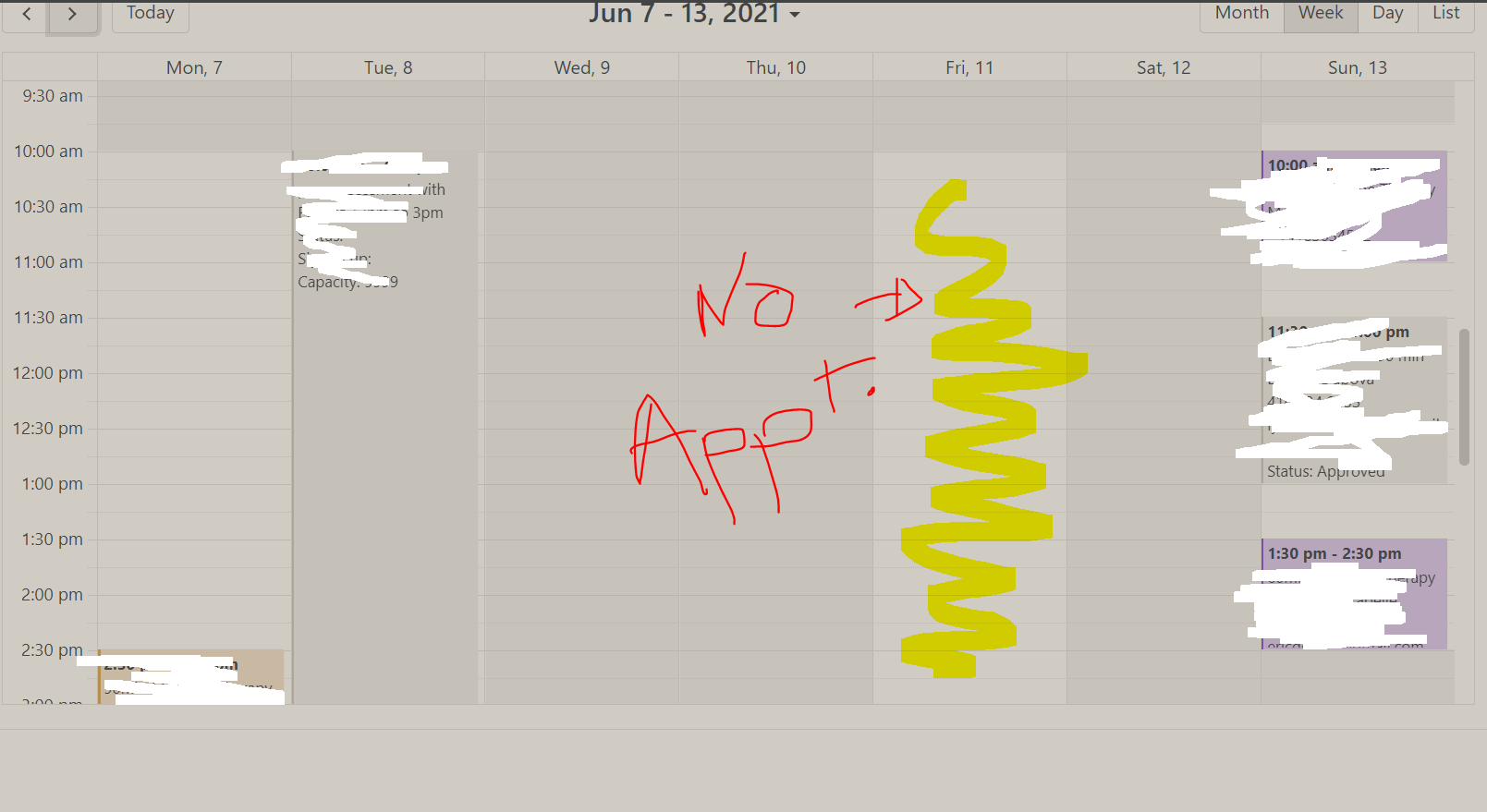
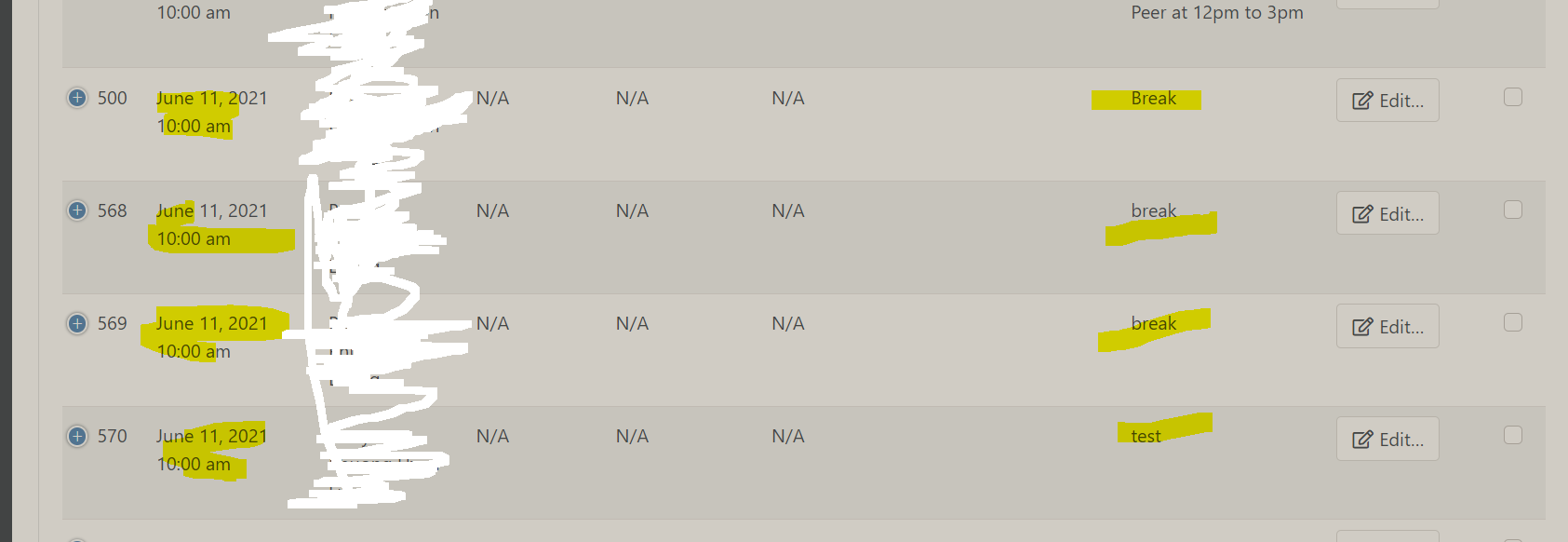
With the recent Bookly pro updates, for some reason, some appointments don't show up on the calender view (Month, week, day...). But when I click on "appointments",I can see them (wp-admin/admin.php?page=
See screenshot attached.
1
Comments
same here
In my case, I have realised it only happens when appointment has no clients attached.
Alfred, In the meantime, just add some fake client and you´ll see that appointment on screen. This is what I did :-(
Is there any way back to previous version?
Thanks Simon for your tip. Indeed, if I use a fake client, I am now able to see the appointment.
Agreed, Bookly team should add again this feature...
Any Bookly support/dev team here who can respond?
Hi there,
Please update all of your Bookly items to the latest release and check the issue again: https://www.booking-wp-plugin.com/change-log/
If the issue persists, we'll need to look deeper into your settings and possible causes of such behavior. You can see on our demo https://www.booking-wp-plugin.com/demo/2/wp-admin/admin.php?page=bookly-calendar that appointments even without a customer are visible in Bookly Calendar.
To submit a support request, please use this link https://support.booking-wp-plugin.com/hc/en-us/requests/new
This community forum is for general questions and user to user interactions only. We do not check questions on this forum regularly.
hello,
Did you get this working? I have latest update 19.8 and still have this issue, we usually use a custom service with no client for setting days/times off work, ex if staff needs some time off, ex last 2 hrs of day, etc.
Is there antorher way to do this? not to go to schedule or anything, just once in a while when need to be unavailable.
Want to say that we are very satified with bookly, great that possible to come with suggestions and getting implemented.
Please sign in to leave a comment.