Attempting to FULLY hide services tab on Booking Form

We only have one service so what we are attempting to do is fully skip the Service step where the user needs to select Category, Service, "I'm available on or after", etc. and go right into the date and time selection.
I've seen other people on here asking how this can be done (links pasted below), I've followed the posts and the documentation with no luck.
https://support.booking-wp-plugin.com/hc/en-us/community/posts/4413554598546-Remove-services-tab
When I attempt to set the default values and hide the fields, nothing loads for Bookly on the frontend. I just get an endless loading wheel.
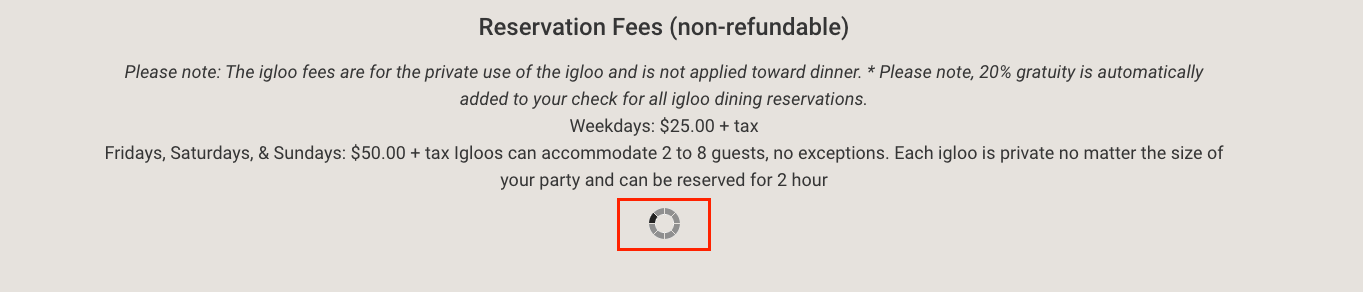
Here is my shortcode
[bookly-form category_id="1" service_id="1" staff_member_id="1" hide="categories,services,staff_members,date,week_days,time_range"]
I have found other sites that are accomplishing this with this plugin
https://thebeaumontinn.com/igloos/
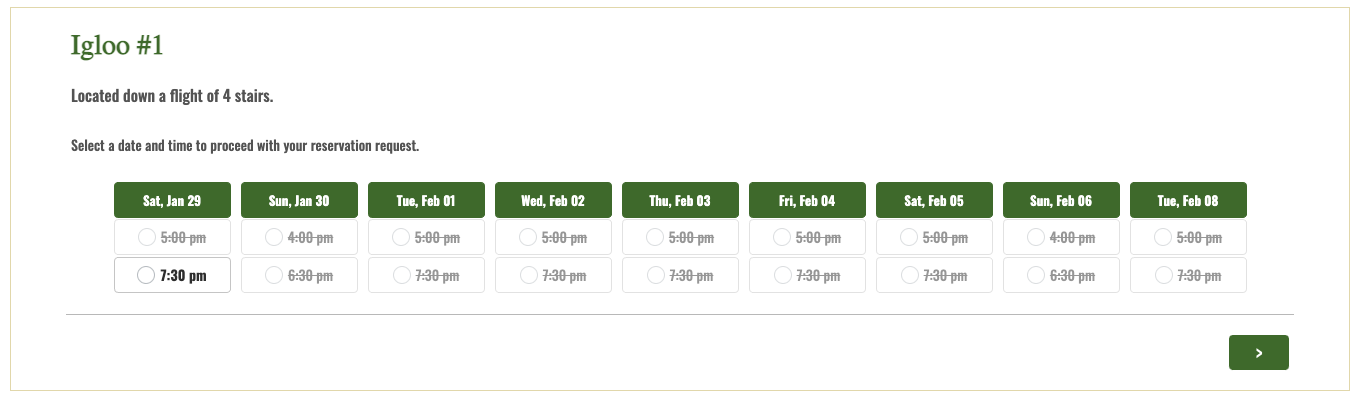
Any help would be greatly appreciated.
Comments
Hello,
Thank you for your message.
The issue you've raised requires personalized support, please follow the link below to create a support ticket, so we can look into this matter.
https://support.booking-wp-plugin.com/hc/en-us/requests/new
Thanks!
Please sign in to leave a comment.