Use a default and hide "I'm Available Picker"

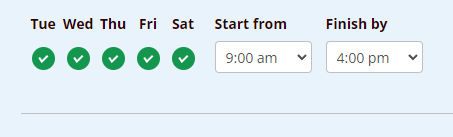
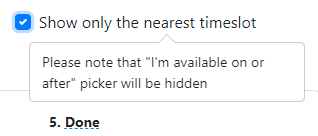
I'd like to hide this on my page. I feel like it's just confusing and prefer that they just see the list of all dates and times starting today. (We don't book that far out.) Is there a way to hide this that doesn't also "Show only the nearest Time Slot"? (Image Below).
1
Comments
Hello,
Thank you for your message.
If you check this shortcode [bookly-form category_id="1" service_id="1" hide="categories,services,staff_members,date,week_days,time_range"], you will see that for Category and Service field we have chosen pre-defined values. ID can be checked via Developer console:
Let us know if you have any other questions.
I've answered my own question.
Add these to the quick code to remove the Calendar, Week Day picker, and Time Range.
[bookly-form hide="date,week_days,time_range"]
Next Question - I see a list of all of the quick codes, is there a reference for each quick code so we know all of the quick-code options?
https://support.booking-wp-plugin.com/hc/en-us/articles/4411811728658-All-Shortcodes
Please sign in to leave a comment.