How can I create a custom field in the "Service" tab?

hello there,
I activated the custom fields plugin for bookly, but only the custom fields are displayed in the "Details" tab :/
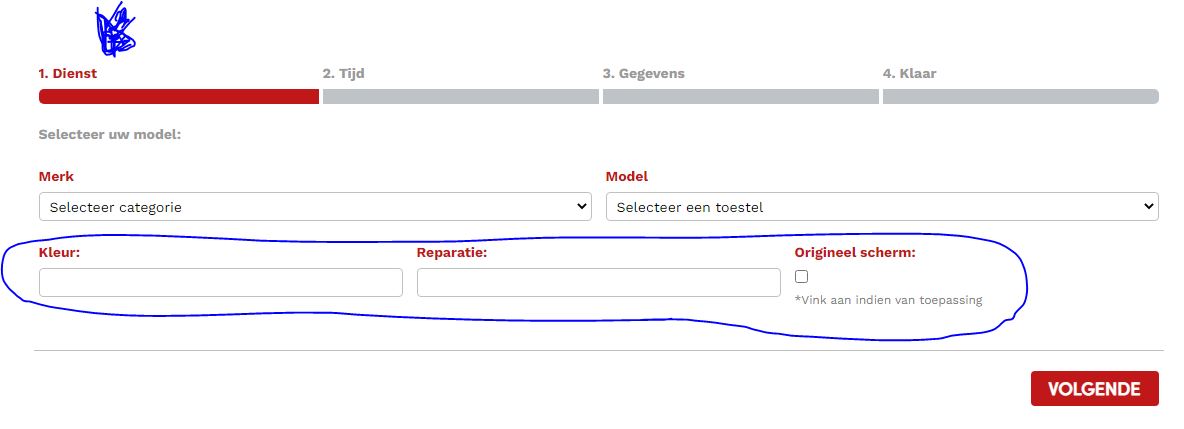
How can I move these custom fields to the "Services" tab?
Like what this website has done:
0
Comments
Hello,
Thank you for your message.
Custom fields will be displayed only on Details step. You can get in touch with our partners who deal with customization requests and ask them for the estimation: https://www.booking-wp-plugin.com/bookly-customization/
Let us know if you have any other questions.
Please sign in to leave a comment.