Date Format on time step

Hi,
The Date format in the “Date/Time Step” above the timeslots is weirdly made out of abbreviations which are hard to understand for many users especially non english ones.
Is there a way to modify that even if it means using theming/editing templates?
For example the Date format can be: “Mer, Mar 05” (in french) and seems to be this format: 'D, M d' which should be different for french people.
Can we change that?
0
Comments
Hello,
Thank you for your message.
You can change the time and date formats in WP settings:
Let us know if you have any other questions.
I am a Japanese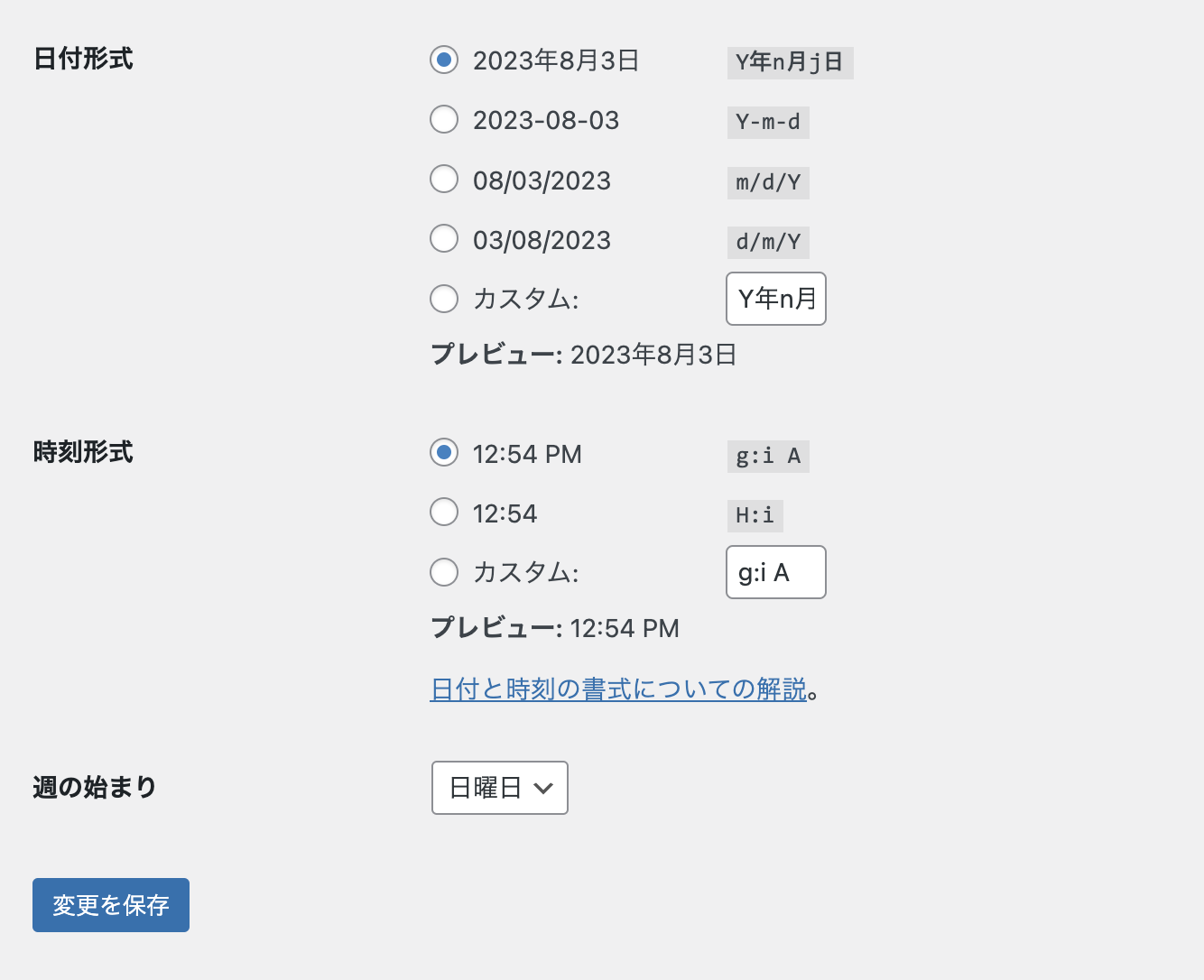
I'm having the same issue.
I set the date in Wordpress, but it is displayed like this. What should I do?
I want to display "month,day,day of week". However, it will be written in English like this. Please help me.Problem solved.
Rewriting 'D, M d' in the corresponding ajax.php to 'n, j, D' resulted in the desired display.
HI !
Where can I find the ajax file ? Thanks.
Fred
Hello Fred, please reach out to us https://support.booking-wp-plugin.com/hc/en-us/requests/new and our technical department will look into this matter.
Hi, I'm following on this as I'm still fighting to get an understandable way to display the dates despite the settings in Wordpress being correct. I read several times that this is the way to do it, but it never worked for me. The display dates do not seem to be affected by the wordpress general settings. My bookly installation is up to date as well as my wordpress installation. I do not want to modify the ajax.php because it would need to be done after each update of the plugin.
Here is my url: https://www.cfa-beaujolais.fr/votre-rendez-vous/
How can I fix this? Many thanks.
Up! Thanks :)
Please sign in to leave a comment.